Windows 11 8GB RAM: Microsoft says the same PC is now up to 40% faster at multitasking
Build 26300.9818 keeps up to 2 GB more data in memory, trims 900 MB of app bloat and puts Edge tabs to sleep sooner. The numbers are Microsoft's own lab tests.
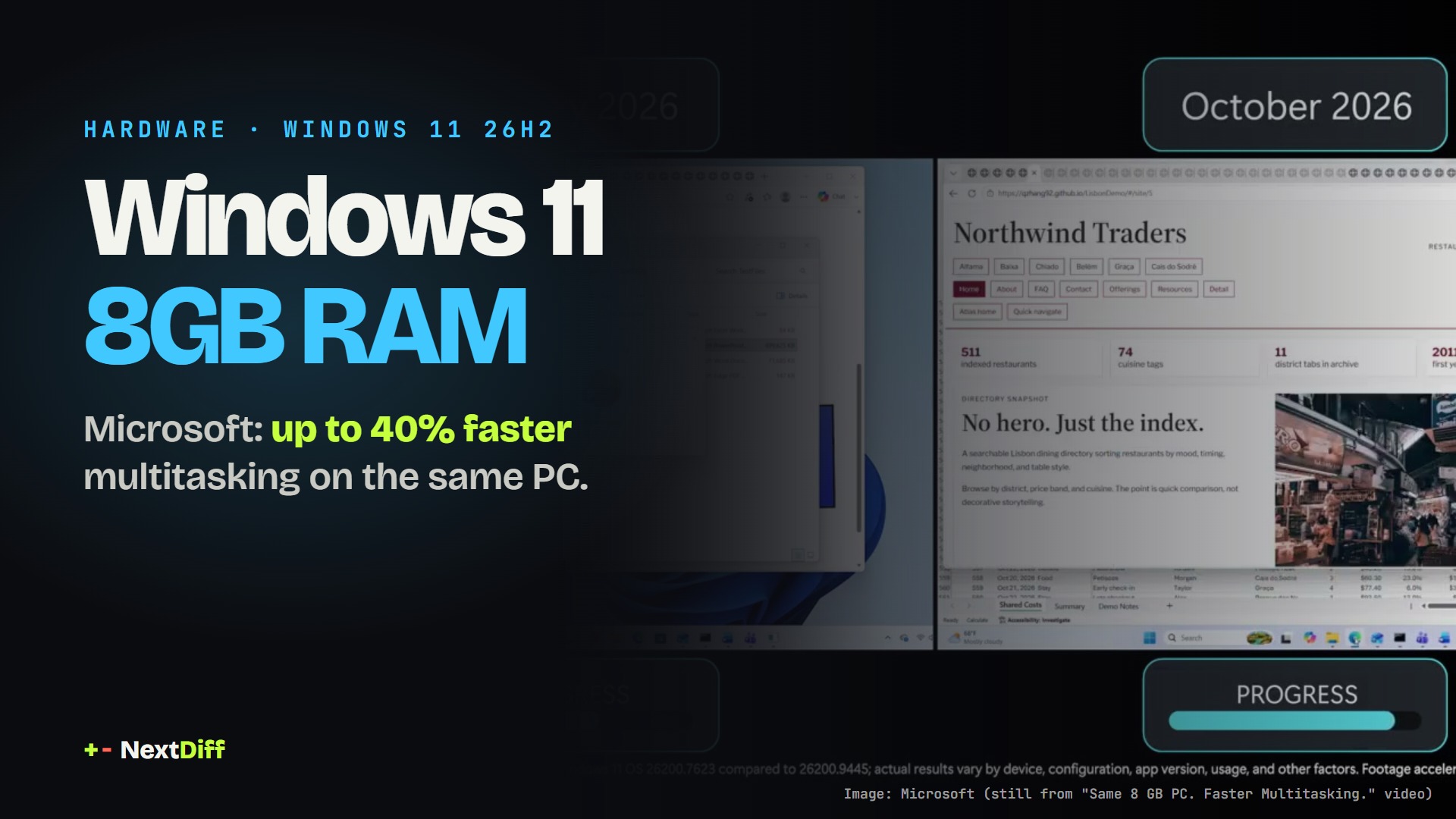
On 3 November 2026 Microsoft said Windows 11 PCs with 8GB of RAM are up to 20% more responsive and up to 40% faster at multitasking than on January's builds. The changes, in version 26H2 build 26300.9818 or later, keep more data in memory and cut app memory use. The figures come from Microsoft's own lab tests.
Windows 11 on 8GB RAM used to mean a stuttering laptop the moment you opened a few browser tabs next to Word and Teams. On 3 November Microsoft said that is changing: on the same 8 GB PC, Windows 11 is now up to 20% more responsive and up to 40% faster at multitasking than with January 2026 builds, according to a Windows Experience Blog post by Windows chief Pavan Davuluri. The catch: every number comes from Microsoft's own lab.
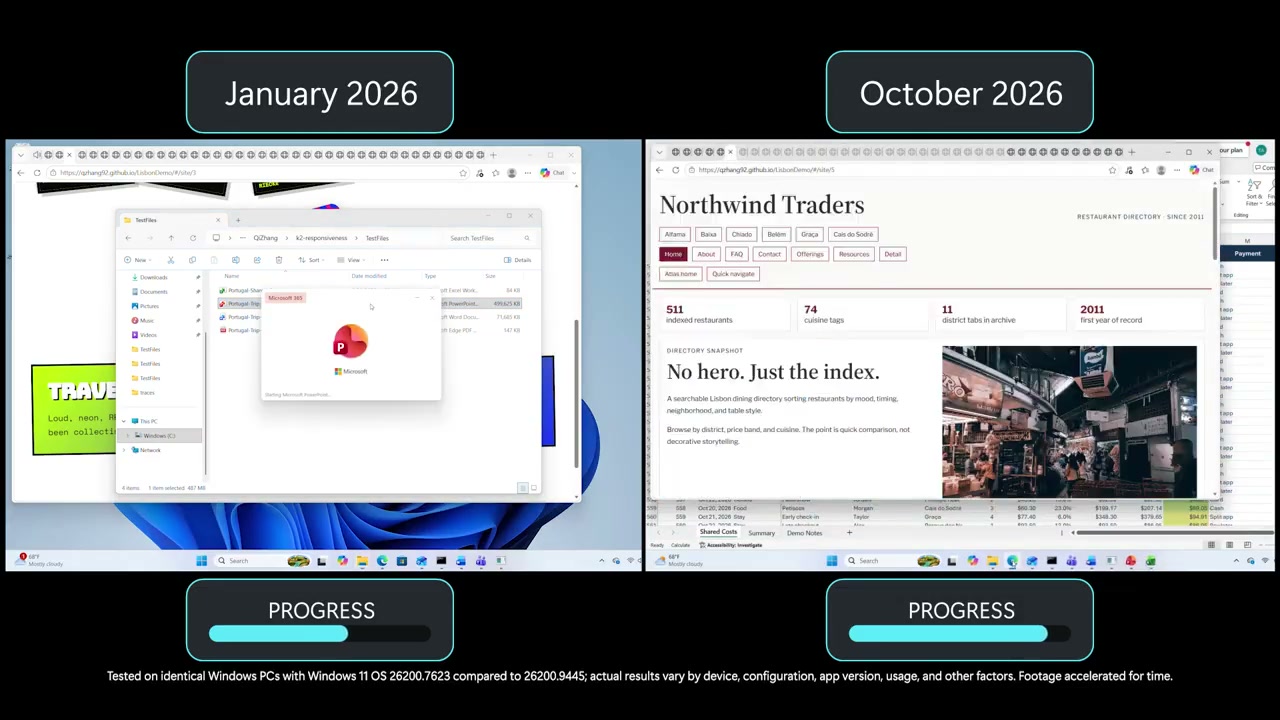 Image: Microsoft (still from its "Same 8 GB PC. Faster Multitasking." video). Microsoft notes the footage is accelerated.
What changed on Windows 11 8GB RAM PCs?
Microsoft lists four kinds of change, all aimed at PCs with 8 GB of memory:
- Memory compression. Windows can now keep up to 2 GB more of your active data in RAM instead of pushing it out to the slower SSD.
- Less bloat. Microsoft says it cut committed-memory growth by up to 900 MB across Windows, Edge and Microsoft 365. Word, PowerPoint, Excel and Outlook together save 360 MB, and Widgets now load only when opened, saving roughly 200 MB while closed.
- Sleepier tabs. On 8 GB PCs, inactive Edge tabs now go to sleep after 15 minutes by default, down from two hours.
- Faster apps. Start, search, right-click menus, Settings, Snipping Tool and File Explorer respond up to 20% faster. Edge opens up to 33% faster. Teams turns on Efficiency Mode by default and launches up to 20% faster.
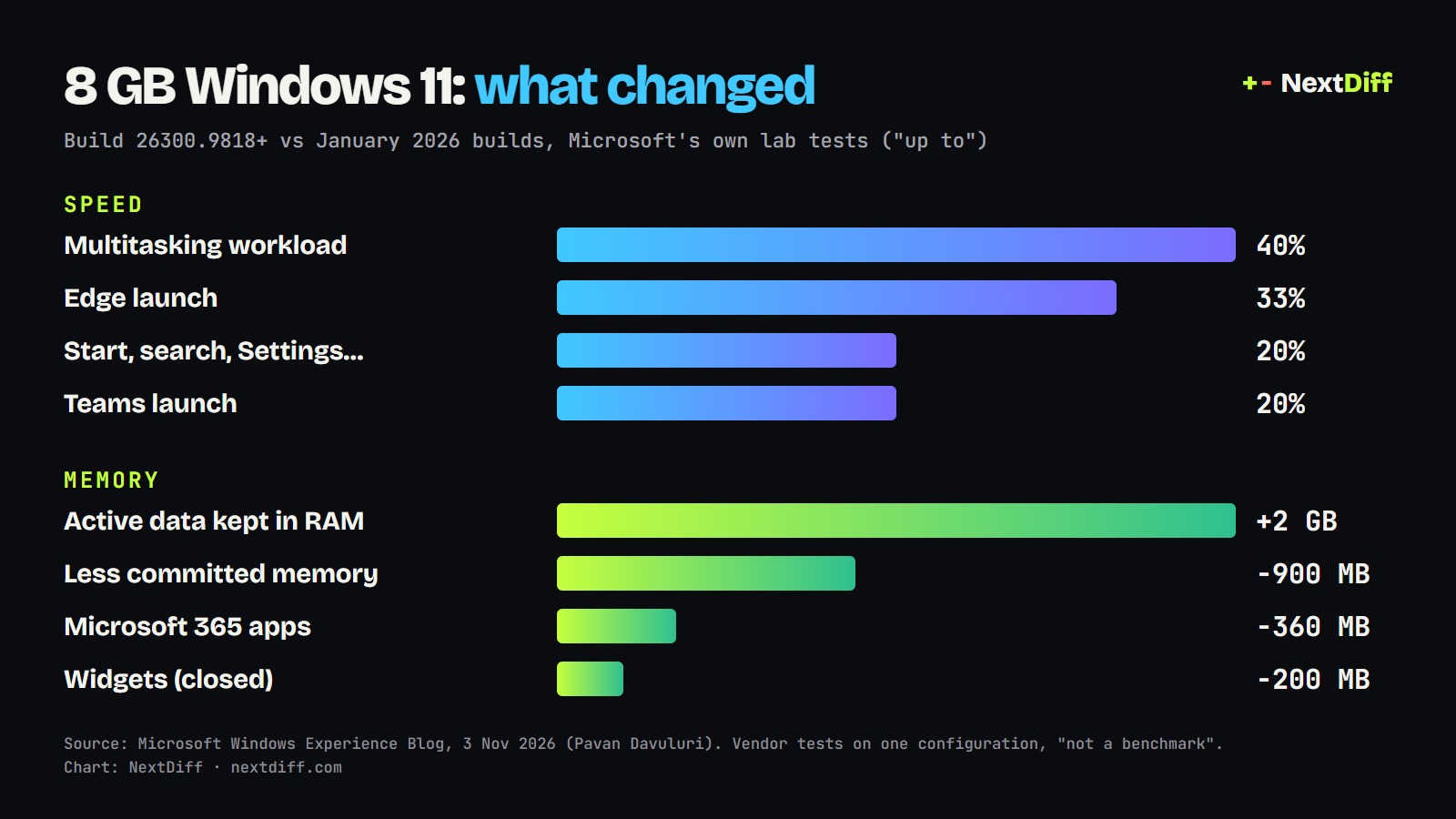 Chart: NextDiff, from Microsoft's figures.
How it works, in plain English
Your RAM is the desk you work on; your SSD is the filing cabinet across the room. When the desk fills up, Windows moves things to the cabinet, and fetching them back is what makes an 8 GB laptop feel slow when you switch apps. Microsoft's changes do two things: they pack more onto the desk (better compression, so up to 2 GB more stays in RAM), and they stop apps from grabbing desk space they are not using (lower committed memory, sleeping tabs, Widgets that only load when you open them).
Microsoft's headline test ran 20 Edge tabs, a 4K video, Word, PowerPoint, Excel, Outlook and File Explorer together. On an HP OmniBook 3 with 8 GB and a Snapdragon X Plus chip, the newer build finished that workload up to 40% faster than the January one. Microsoft published the race as a side-by-side video:
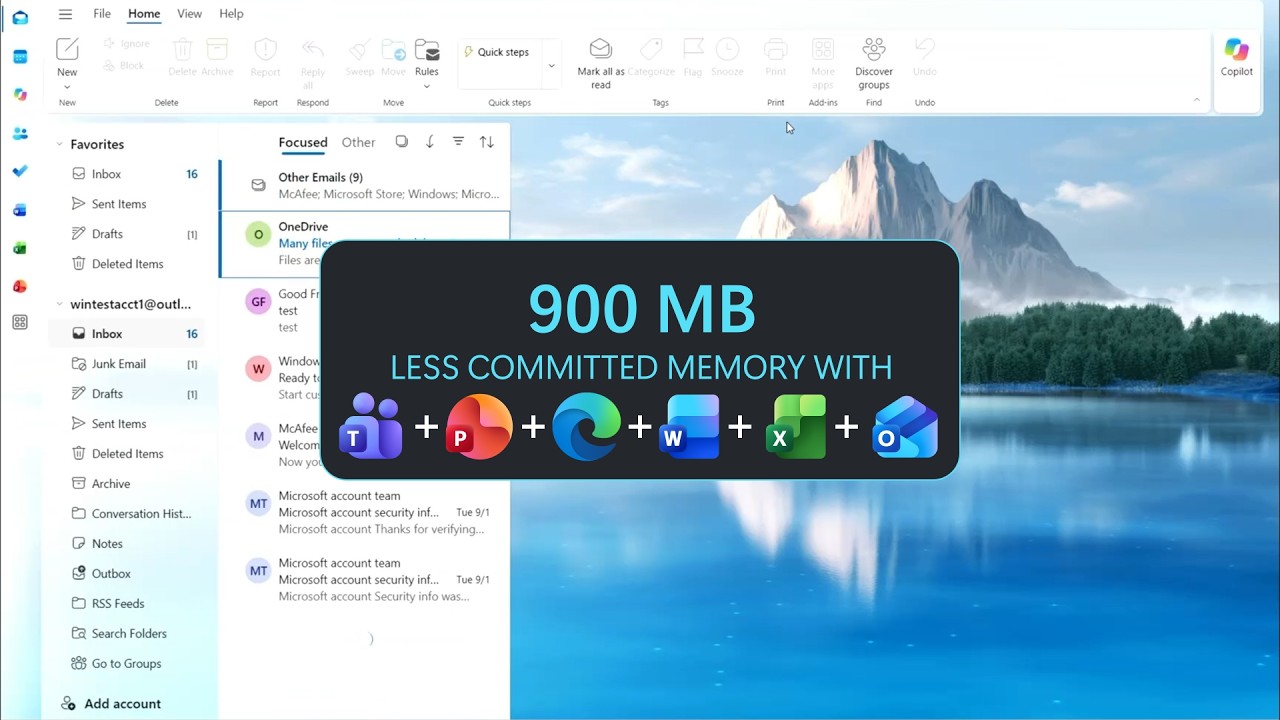 Image: Microsoft (still from the same video).
Why it matters: RAM got expensive
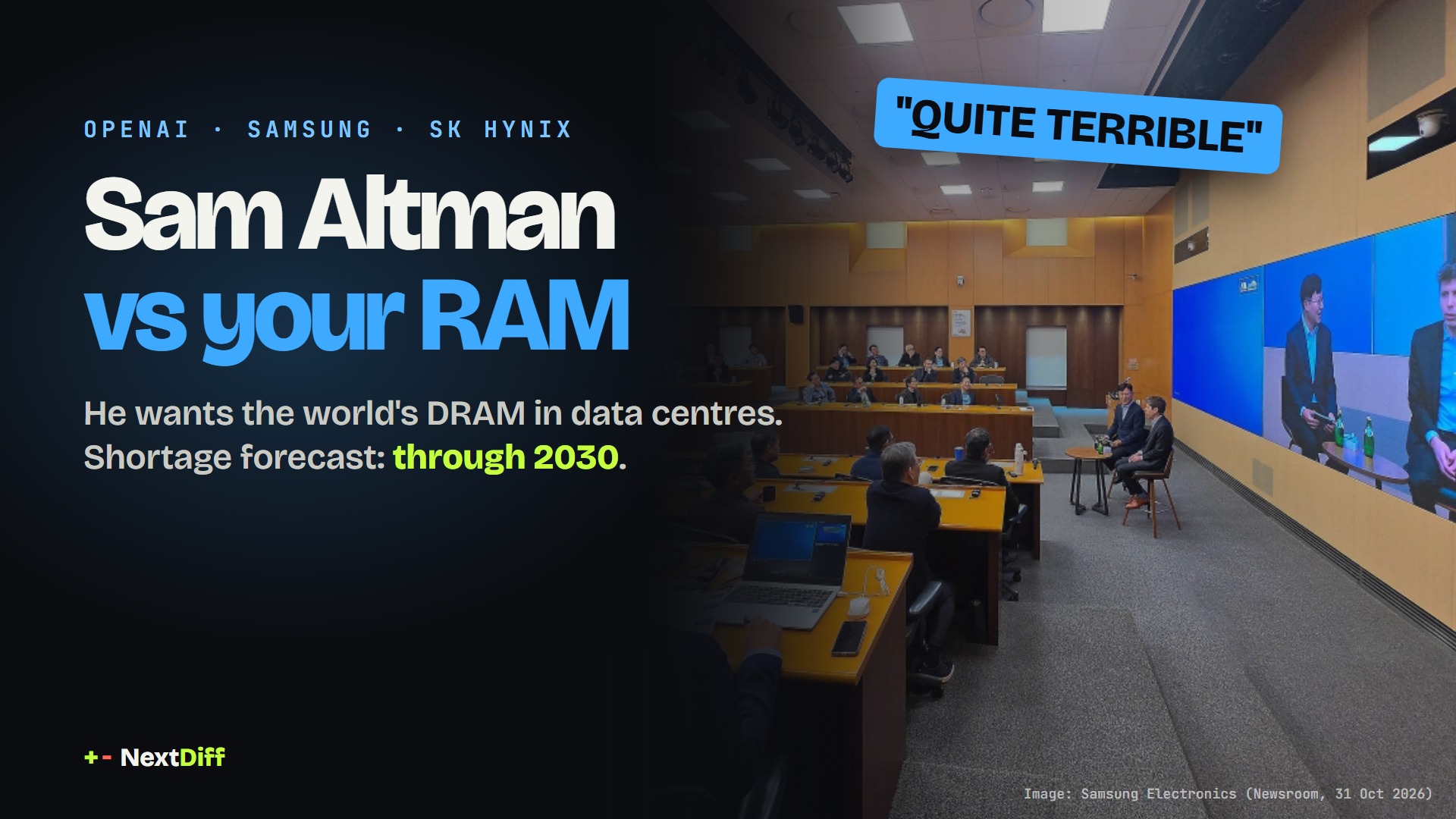
The timing is not an accident. Memory prices have climbed as AI data centres buy up DRAM, a squeeze we covered when Sam Altman called the RAM in your PC "quite terrible". The Register points out the contrast with Microsoft's own push for Copilot+ PCs, which require at least 16 GB. If 16 GB laptops cost more this holiday season, making 8 GB machines usable keeps cheaper Windows PCs on the shelf. Microsoft's post ends with holiday deals on 8 GB laptops starting at $429 at Walmart.
Microsoft also cites a test it commissioned from Principled Technologies: a 2026 8 GB Dell XPS 13 performed about as well as a 2021 16 GB configuration across CPU work, web browsing, AI web tasks and 4K video export. Part of that gain comes from the newer processor, not only from Windows.
How to get it
You need Windows 11 version 26H2, build 26300.9818 or later. Open Settings > Windows Update, turn on Get the latest updates as soon as they're available and select Check for updates. Keep Edge, Microsoft 365 and Teams updated too; the faster Edge launch needs Edge 150 or later. Microsoft says rollout timing may vary by device and region.
Caveats
- Vendor numbers. Every figure is from Microsoft's tests, often on one machine and one workload. Microsoft itself says the multitasking result is "not a benchmark". Independent tests have not been published yet.
- "Up to". Your gain depends on what you run. A PC that rarely fills its RAM will notice less.
- 8 GB is still 8 GB. Microsoft says demanding work such as heavy creative apps or large projects still benefits from 16 GB or more.
We will update this story when independent benchmarks arrive.
Questions readers ask
- Is 8GB RAM enough for Windows 11?
- For everyday work, Microsoft now says yes: its tests ran 20 Edge tabs, a 4K video, Word, PowerPoint, Excel, Outlook and File Explorer together on an 8 GB laptop. Microsoft still says demanding workloads benefit from 16 GB or more.
- Which Windows 11 update makes 8GB PCs faster?
- Windows 11 version 26H2, build 26300.9818 or later. Microsoft says rollout timing may vary by device and region.
- How do I get the Windows 11 8GB RAM improvements?
- Open Settings > Windows Update, turn on 'Get the latest updates as soon as they're available' and select Check for updates. Microsoft also says to keep Edge, Microsoft 365 and Teams updated.
- How much faster is Windows 11 on 8GB RAM now?
- Microsoft claims up to 20% faster responses in Start, search, right-click menus, Settings, Snipping Tool and File Explorer, up to 33% faster Edge launches, up to 20% faster Teams launches and up to 40% faster completion of a multitasking workload.
+ Sources
- Microsoft Windows Experience Blog — Raising the bar for 8 GB Windows 11 PCs (Pavan Davuluri, 3 Nov 2026)
- Windows (YouTube) — Same 8 GB PC. Faster Multitasking. See the Windows Difference.
- The Register — Microsoft improves Windows 11 performance on 8 GB PCs as RAM prices keep climbing
- XDA Developers — Windows 11's latest update makes 8GB PCs 20% more responsive
- Windows Latest — Microsoft's own video shows how badly Windows 11 struggled on 8GB RAM PCs
+ Rate this story
Get stories like this on your phone, the minute they drop.
 Scan with your Android phone
The Weekly Diff launches soon.
Subscribe on YouTubeKeep reading