Apple Watch wrong time after daylight saving? Apple confirms the bug and two fixes
On watchOS 27, the Always On display can stay an hour off when your wrist is down; switching faces or restarting fixes it, and it clears at midnight.
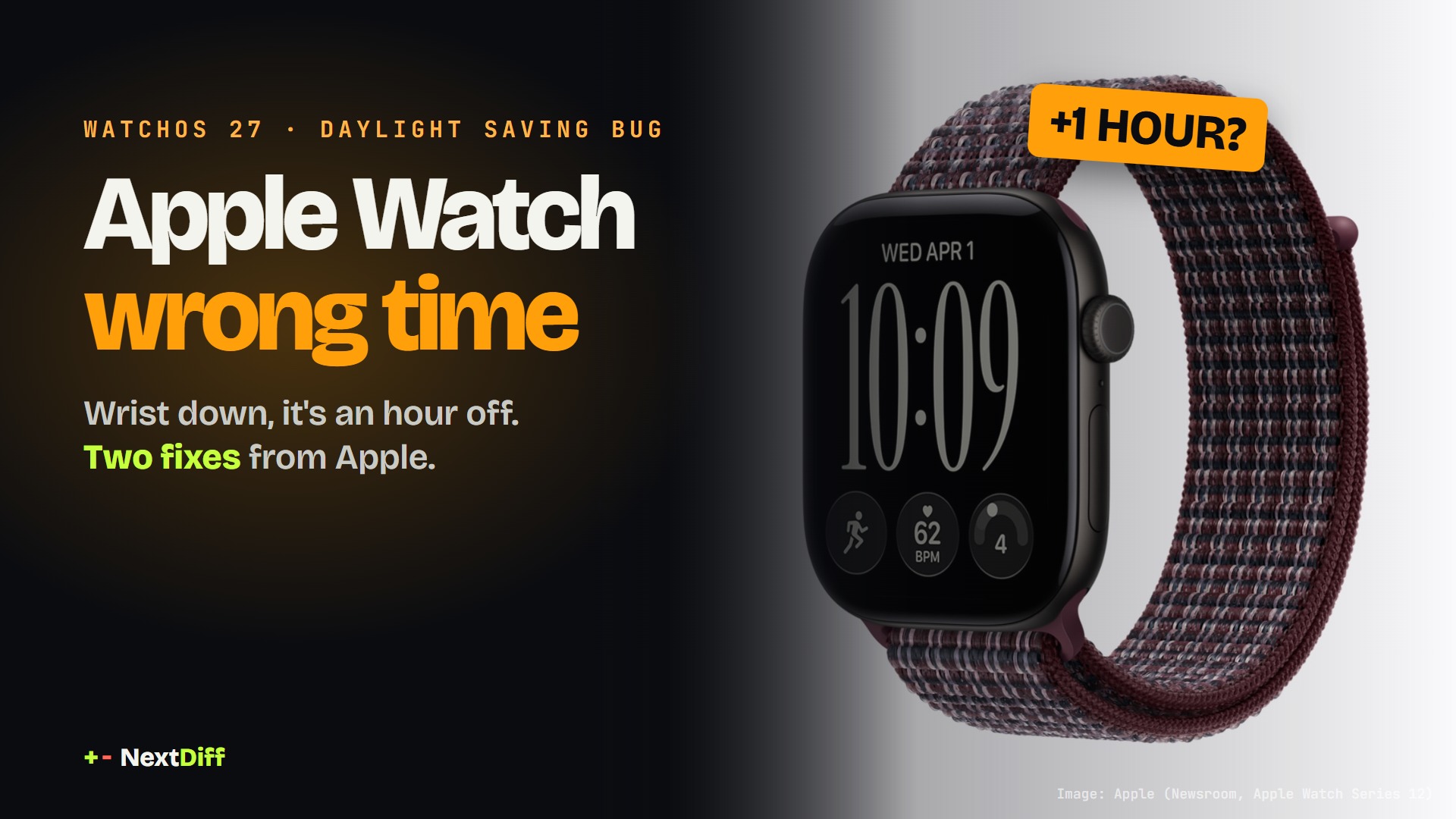
Apple has confirmed that after a daylight saving time change, an Apple Watch can show the wrong time on its Always On display while the wrist is down. The time is correct when the screen wakes and alarms are not affected. Apple's fixes: switch watch faces and back, or restart; otherwise it clears at midnight.
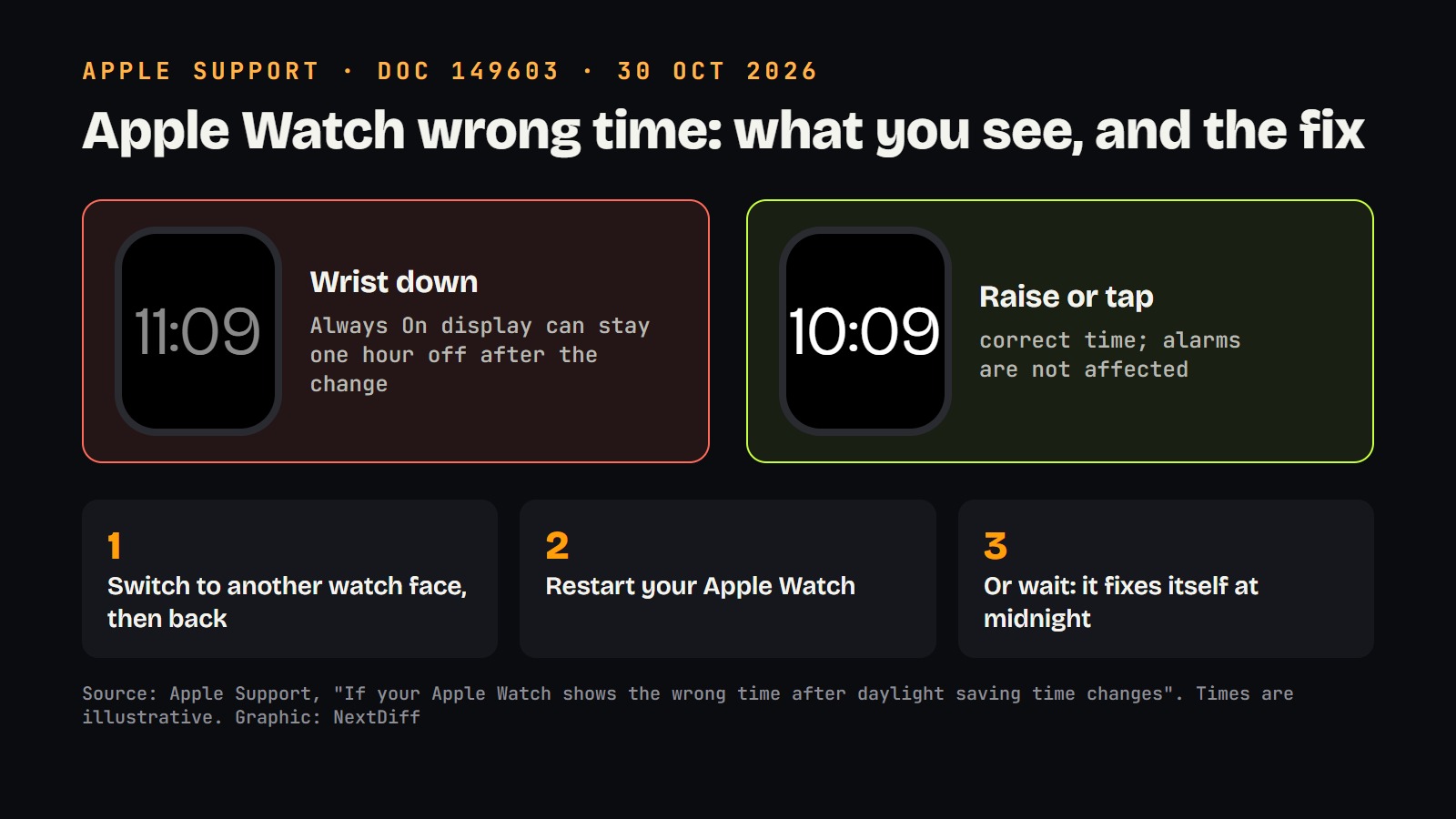
If your Apple Watch shows the wrong time this week, it isn't you. Apple has published a support note confirming that after a daylight saving time change, the Apple Watch wrong time problem can appear on the Always On display: with your wrist down, the watch keeps showing the old hour. Raise your wrist or tap the screen, and the correct time comes back. Clocks went back across most of the US on Sunday, 1 November, a week after the UK and Europe, so a lot of people are seeing it right now.
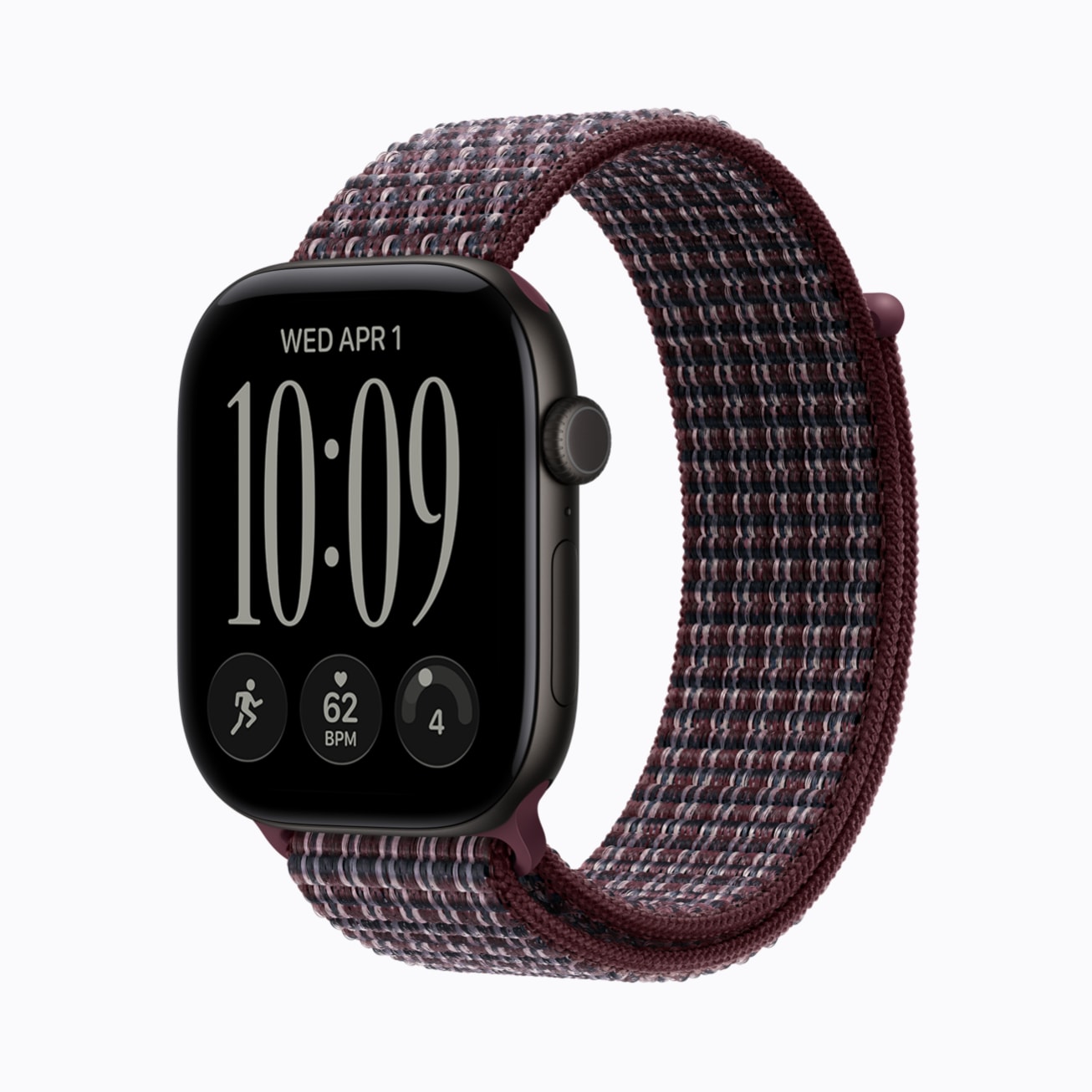 Image: Apple (Newsroom, Apple Watch Series 12)
Why is my Apple Watch showing the wrong time?
According to Apple's support document, published on 30 October, "your Apple Watch might continue to show time that's off by one hour" after daylight saving time changes in your area. Apple is specific about where the mistake lives: it "appears only on the Always On display when your wrist is down". When you wake the display, the time changes to the correct hour.
Two things are not broken. The watch's real clock is right, which is why the awake screen shows the correct time, and Apple says features like alarms are not affected. So you won't oversleep because of this.
The first reports came from Europe. MacRumors found watchOS 27 users in the UK and central Europe describing the same thing after clocks went back on 25 October: correct time when active, summer time on the Always On face, leaving the watch an hour fast. Some saw it in standby mode too. Apple's note now covers the US change as well.
 Graphic: NextDiff, based on Apple Support
How to fix the wrong time on Apple Watch
Apple lists two fixes. Either one works:
- Switch watch faces. Touch and hold the face (or swipe), pick any other face, then switch back to the one you use.
- Restart the watch. Press and hold the side button, tap the power icon, slide to turn off, then hold the side button again to turn it on.
There is also a third option: do nothing. Apple says the issue "will resolve itself at midnight following the time change". Apple also tells users to keep their watch updated for the latest bug fixes, but it has not said whether a watchOS update will stop this from happening at the next change.
How it works: why only the Always On screen?
When your wrist is down, an Always On Apple Watch doesn't run the full, bright watch face. It shows a dimmed, low-power version that updates less often to save battery. The bright face you see when you raise your wrist is drawn fresh. Apple's description fits a bug where the low-power version keeps the old offset after the clock jumps, while the live time underneath is correct. Apple hasn't explained the cause, so treat that as the likely shape of the problem, not a confirmed diagnosis.
That also explains why both fixes work. Switching faces and restarting both force the watch to rebuild the face from scratch.
 Image: Apple (Newsroom, Apple Watch Ultra 4)
Does this affect Apple Watch users in India?
Mostly no. India does not use daylight saving time, so a watch set to Indian Standard Time never changes its clocks. You would see the bug only if your iPhone and watch follow a time zone that changes clocks, for example while travelling in the US or Europe this week, or if you keep a second time zone that shifted.
Why it matters
This is a small bug, but time is the one thing a watch has to get right, and daylight saving has tripped Apple up before. In 2018, GSMArena reported that some Apple Watch Series 4 units got stuck in a reboot loop when Australia's clocks changed, a problem tied to the Activity complication; it also cleared up by itself the next day. Earlier iPhone software had alarm and calendar bugs around time changes. This year's glitch is milder: alarms work, and the fix takes ten seconds.
If your watch looks wrong after a time change, check Apple's support page before you reset or unpair anything.
What's next
Most of the world that uses daylight saving has now changed its clocks for the year, so new cases should fade after tonight's midnight reset. The next big tests are March 2027, when Europe and the US move clocks forward. Whether watchOS 27 gets a fix before then is up to Apple; it hasn't said.
Apple has had a busy few weeks of software news: see how Apple Intelligence is coming to China with Alibaba's Qwen inside Siri.
Questions readers ask
- Why is my Apple Watch showing the wrong time?
- After a daylight saving time change, watchOS 27 can leave the Always On display one hour off while your wrist is down. Apple says the time is correct when you raise your wrist or tap the screen.
- How do I fix the wrong time on my Apple Watch?
- Apple says to switch to any other watch face and then back to yours, or restart the Apple Watch. If you do nothing, it fixes itself at midnight after the time change.
- Are Apple Watch alarms affected by the daylight saving bug?
- No. Apple's support note says features like alarms are not affected; only the dimmed Always On display shows the old hour.
- Does the Apple Watch daylight saving bug affect India?
- Not for most users, because India does not use daylight saving time. You would only see it if your watch follows a time zone that changes clocks, such as while travelling in the US or Europe.
+ Sources
- Apple Support — If your Apple Watch shows the wrong time after daylight saving time changes
- MacRumors — Apple Offers Steps to Fix Daylight Saving Time Bug on Apple Watch
- MacRumors — Apple Watch Users in Europe Report Daylight Saving Glitch
- GSMArena — Apple Watch Series 4 bootloops due to Daylight Savings Time (2018)
- Apple Newsroom — Introducing Apple Watch Series 12
+ Rate this story
Get stories like this on your phone, the minute they drop.
 Scan with your Android phone


The Weekly Diff launches soon.
Subscribe on YouTubeKeep reading